Generating Alert History Reports
Alert History reporting allows for creation of reports of plugin alert history over time. Alerts can optionally be limited by group or individual Monitoring Client ID. Alert History reports are exportable as CSV for further processing.
Generating Alert History Report
Navigate to Reports > Alert History.

Select a date range of plugin Alert History.

Optionally filter the history by Group.
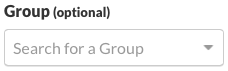
or by Client ID of the individual Monitoring Client.
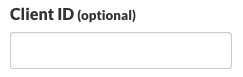
Click Search to generate the report.

Results are displayed below the search criteria.
Click the Download CSV to download the results as a CSV file.

Permalink: https://watchmanmonitoring.com/alert-history-reports