Dashboard Keyboard Shortcuts
Keyboard shortcuts help navigate the Search Omnibox in your Dashboard, reducing the need for mousing by keeping your hands on the keyboard.
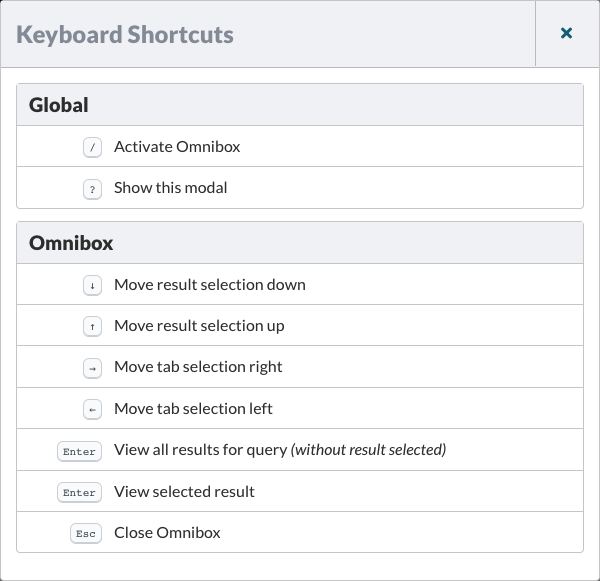
Global
/ Activate Search Omnibox
? Show Keyboard Shortcut modal
Search Omnibox
↓ Move result selection down
↑ Move result selection up
→ Move tab selection right
← Move tab selection left
Enter ⌅ View all results for query (without result selected)
Enter ⌅ View selected result
Esc ⎋ Close Omnibox
Plugin Results
Use the right and left arrow keys (←→) to navigate through the list of Plugin Results.
Learn more about Using Play Mode.
Permalink: https://watchmanmonitoring.com/keyboard-shortcuts