Time Machine Exclusions
Reports on items the user has excluded from Time Machine backups. One time alerts are triggered when changes are made.
Exclusions List
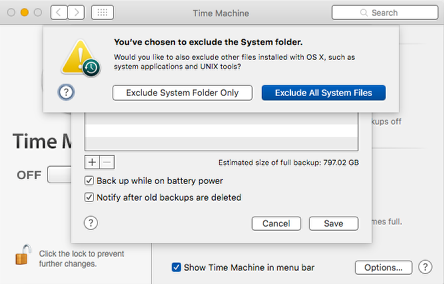
The Time Machine Exclusions Plugin reports on items excluded from their Time Machine. This allows for quick verfication of excluded items without having to dive into the Time Machine Preference Pane.
Tip
When an end user changes what is excluded from the Time Machine backup, a one time alert will be sent.
Apple’s tmutil will not allow you to add or remove items that do not exist on the computer with the tmutil removeexclusion.
These are defined in the .exclusions.plist. The non-default exclusions are stored in the ExcludeByPath array in /Library/Preferences/com.apple.TimeMachine.plist. These are not shown to an end user in the Time Machine System Preference pane though Watchman Monitoring displays them for the TimeMachine Plugin on your Dashboard. Those paths can be found in the SkipPaths array within the same file.
Note
Note that
/Library/Preferences/com.apple.TimeMachine.plistis a binary plist and will need to be converted to an XML plist in order to edit, then converted back to a binary plist. You can convert the plist to XML with the following command:plutil -convert xml1 /Library/Preferences/com.apple.TimeMachine.plistAnd, convert it back with:
plutil -convert binary1 /Library/Preferences/com.apple.TimeMachine.plistBBEdit will perform this conversion automatically.
Permalink: https://watchmanmonitoring.com/timemachine-exclusions