ConnectWise API Callback Configuration
Whenever status of ticket is changed in ConnectWise, ConnectWise will call Watchman Monitoring with ticket and new status value. Watchman Monitoring check whether status is considered closed and clears the ticket and mute.
Create Ticket Callback
Navigate to Integrations > ConnectWise Setup.
Copy the ConnectWise Ticket Callback.

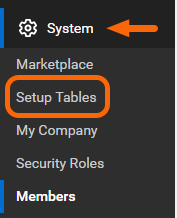
Under System click on Setup Tables.
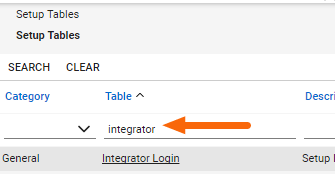
Enter integrator and press the return key.
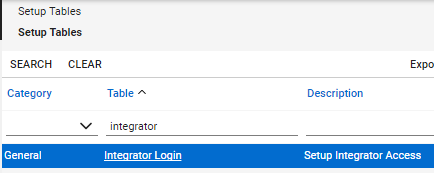
Click on Integrator Login.
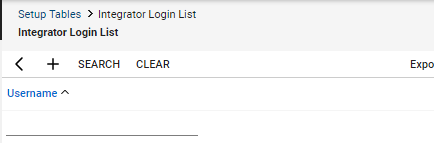
Click the + sign to add a new Integrator Login.
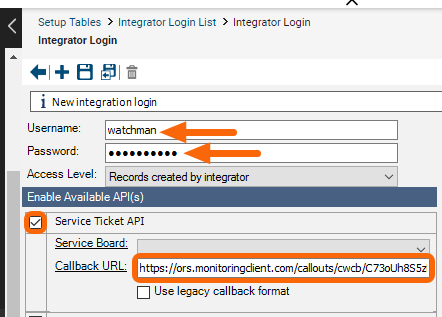
Provide the Integration Login a Username and Password. The Username and Password will not be used, but are required to define the integration.
Select the Service Ticket API option.
Enter the Callback URL from your ConnectWise Setup integration configuration.
Warning
Choose a strong password to ensure proper security of the API User account.
Set the Access Level to All Records to ensure the callback triggers for all status events.

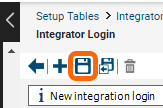
Click the Save (floppy disk) icon to save the Integrator Login.
Permalink: https://watchmanmonitoring.com/connectwise-callback