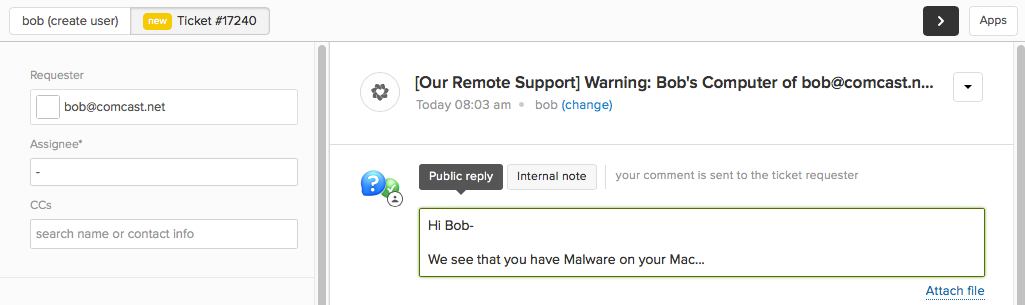
Zendesk - Change Requester Workflow
The follow details a workflow for changing the requester of a ticket created from a Watchman Monitoring Alert to your end user for further action.
Note
This article assumes that you are including the point of contact email address is included in the Group name, but is not a requirement.
Change the requester of a ticket to an end user.
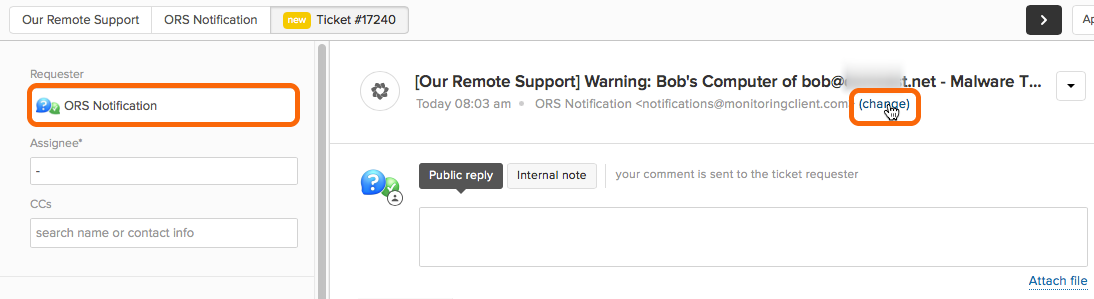
Click (change) under the ticket description to expose the Requester field on the right.
If you include the point of contact email address in the Group name, that email address will show up in the Computer Details of the Internal Note the Watchman Monitoring Alert created.
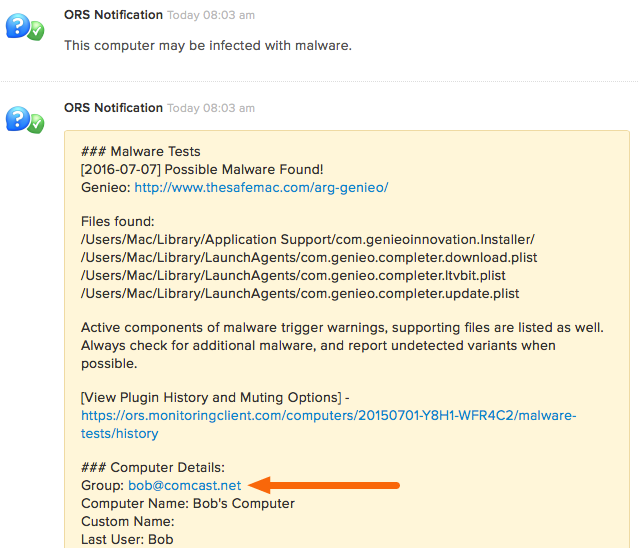
You can then select and copy the email address from the Group.

Paste the email address into the Requester field.
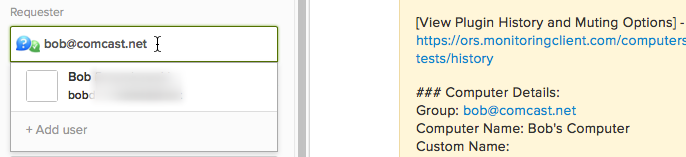
Enter your reply and Submit the ticket.