Watchman Alert Response Macros for ZenDesk
The following instructions are for setting up Macros to normalize responses to Watchman Alert Tickets.
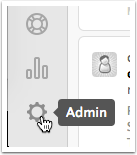
Go to Admin
Click on the sprocket in the lower left corner.
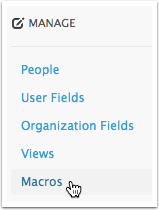
Under MANAGE click on Macros
In the Upper right corner, click on add macro.
Build Your Macro to look like this:
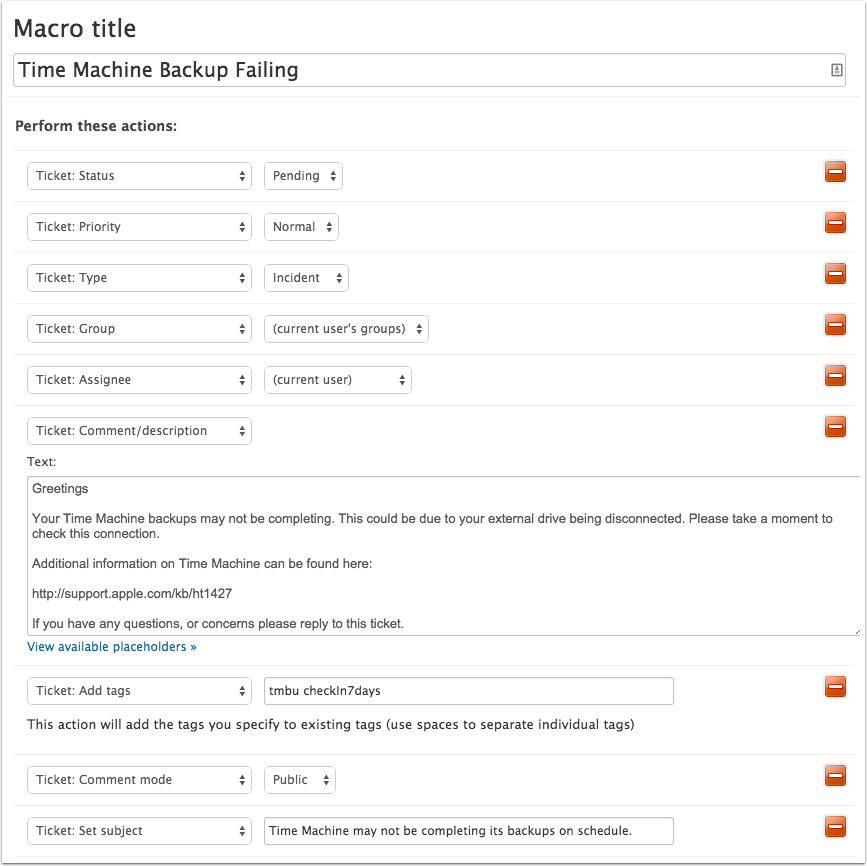
Click Create Macro

Using the Macros
Click (change) for the requester.

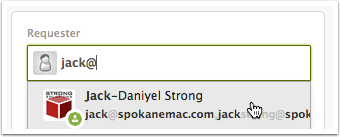
Click in Requester and type in the point of contact.
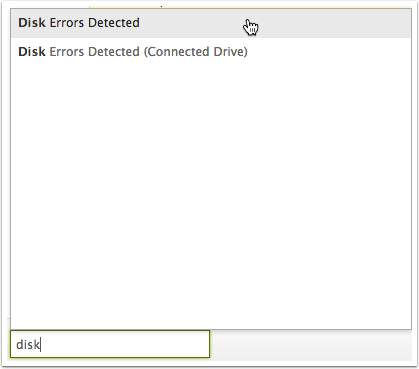
Click in the Macros field (or ctrl-option-M) and type the Macro name.
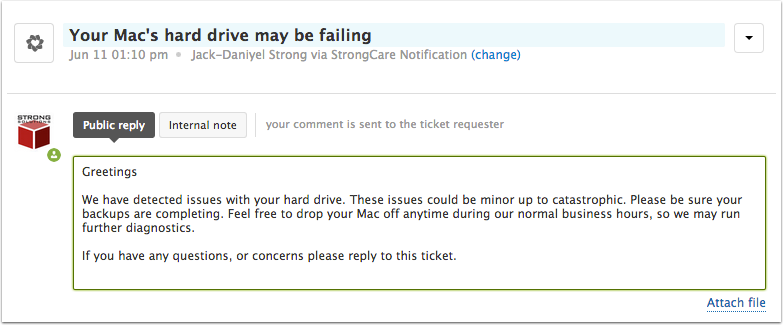
The macro changes the title and sets the reply.
Strong Solutions - StrongCare - Agent
Click Pending (or ctrl-option-P)