Creating LiveLinks from Autotask to Watchman Monitoring
Autotask has the ability to provide a link back to the computer record for a computer (installed product in Autotask) to its associated record in your Watchman Monitoring Dashboard. The following steps will allow the configuration of LiveLinks for Watchman Monitoring.
Note
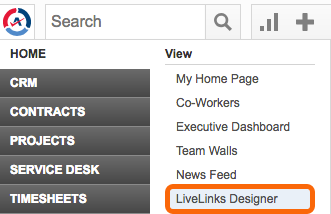
The LiveLinks permission must be enabled for your Autotask account in order to proceed with this configuration. LiveLinks are not enabled by default, and system administrators do not have default access. Confirm you have the required permissions by selecting the Autotask menu menu in the top left hand corner. You should see a link labeled LiveLinks Designer.
Creating a Watchman Monitoring LiveLink
Open the LiveLinks Designer
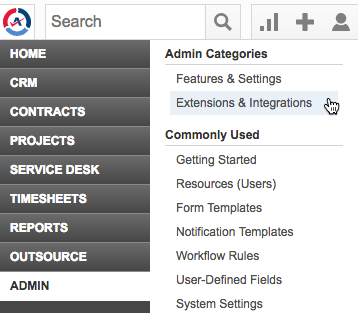
From the Autotask menu, click Admin > Extensions & Integrations.
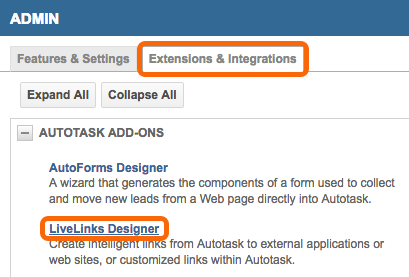
Under Extensions & Integrations, click the LiveLinks Designer.
Create Watchman Monitoring LiveLink
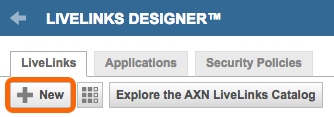
In the LiveLinks Designer, click the + New button.
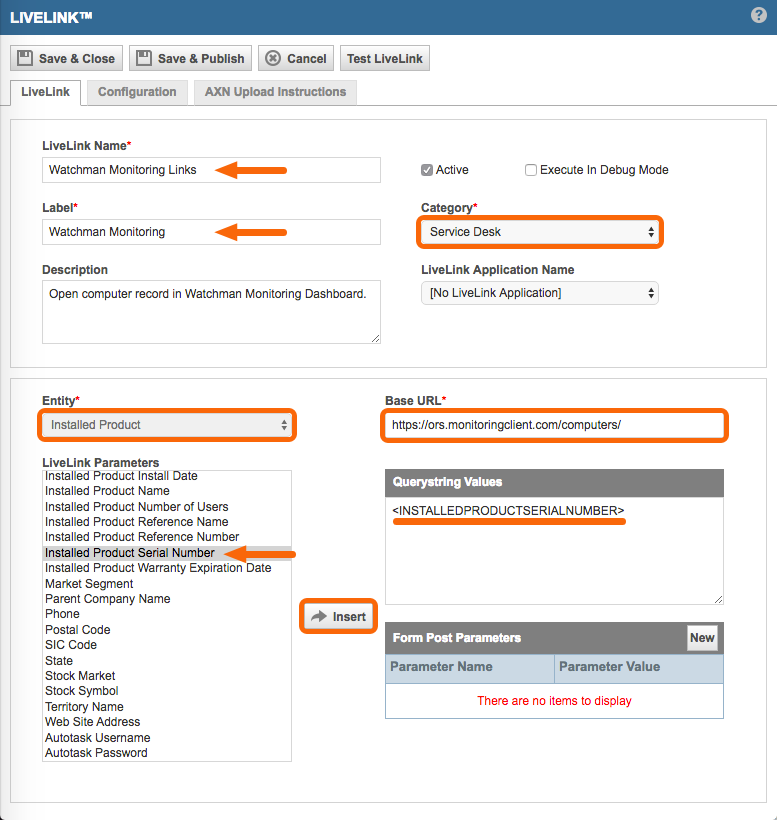
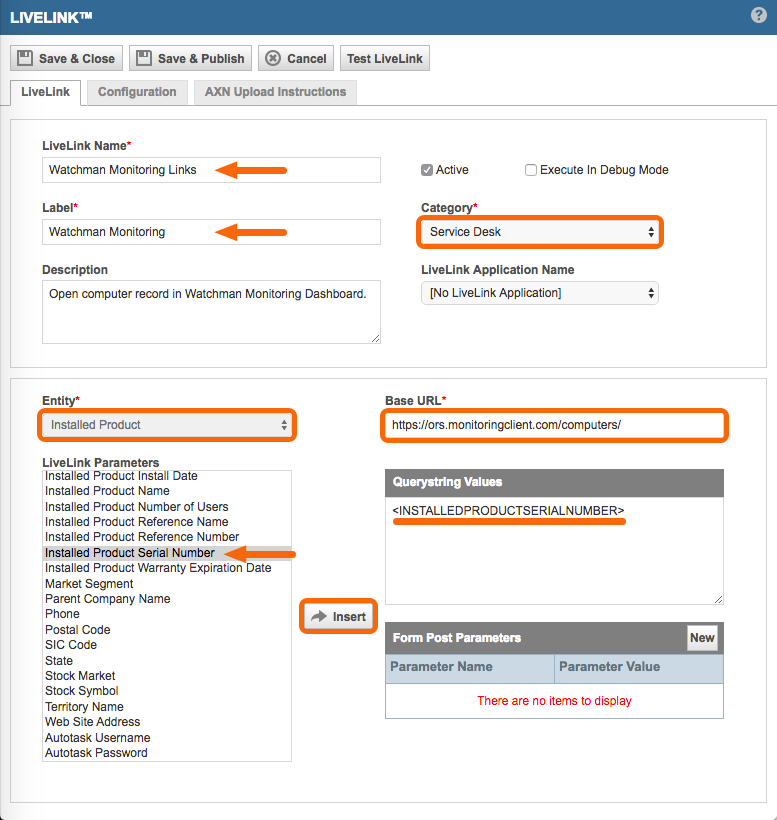
Enter required fields as follows:
LiveLinks Name: Watchman Monitoring Links
Label: Watchman Monitoring (the name that you want to appear as the link name)
Category: Service Desk
Base URL: https://SUBDOMAIN.monitoringclient.com/computers/ (with your subdomain)
Entity: Installed Product
Click Okay on the warning pop-up.
Select Installed Product Serial Number and then click the Insert button to insert the Querystring Value.
Create Watchman Monitoring LiveLink
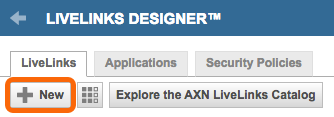
In the LiveLinks Designer, click the + New button.
Enter required fields as follows:
LiveLinks Name: Watchman Monitoring Links
Label: Watchman Monitoring (the name that you want to appear as the link name)
Category: Service Desk
Base URL: https://SUBDOMAIN.monitoringclient.com/computers/ (with your subdomain)
Entity: Installed Product
Click Okay on the warning pop-up.
Select Installed Product Serial Number and then click the Insert button to insert the Querystring Value.