Changing Owners Email Address
The Owners Email Address cannot be changed within Watchman Monitoring. You can contact Watchman Monitoring Support to change the email address, or create a new user account and changing the owner to the new user account.
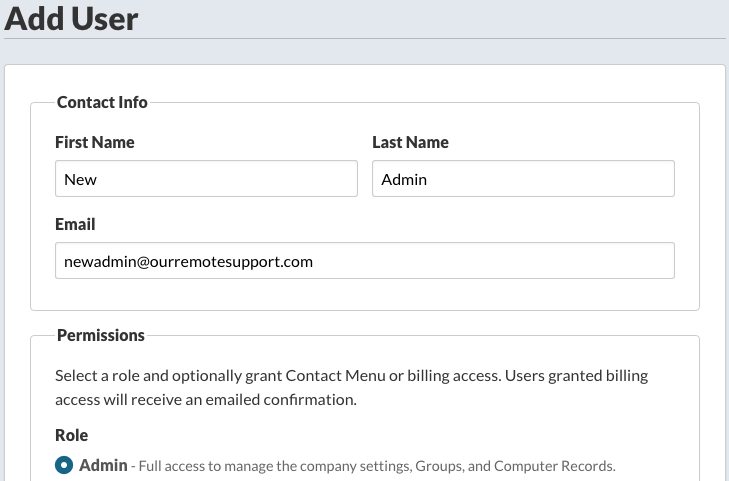
Create a new Admin account.
First, create a new user in your Watchman Monitoring Dashboard with the new email address. This user will need to be an admin user.
Change Ownership
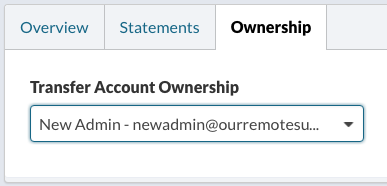
Navigate to Settings > Billing and select the Ownership tab.
Select your new admin account.
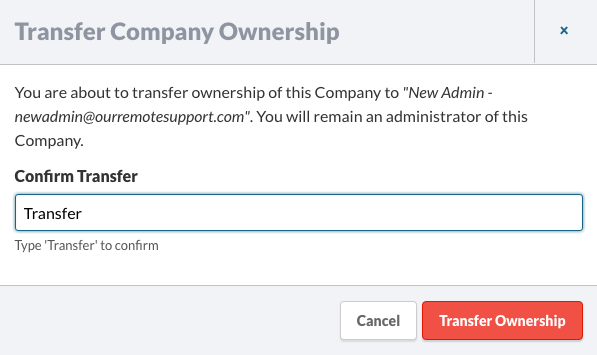
You’ll be asked to confirm the transfer of ownership. Enter Transfer in the confirmation field and then click the Transfer Ownership button.
Note
You should also update your email account settings for the company here.
And, you can adjust email alerts here.
Permalink: https://watchmanmonitoring.com/change-owner-email