Changing User Permissions in the Watchman Monitoring Server Dashboard
Changing a User Permissions
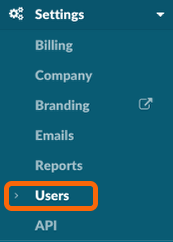
From your Dashboard, navigate to Settings > Users.
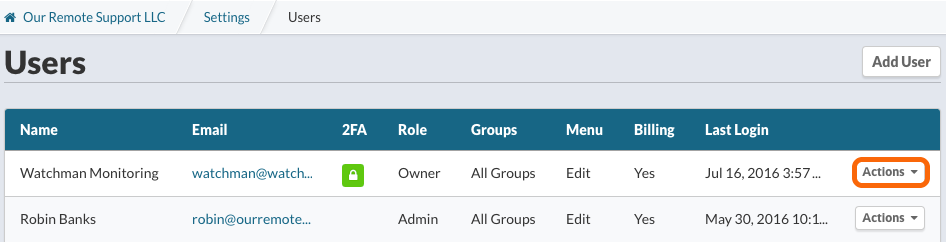
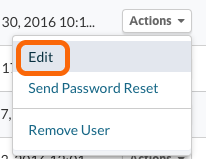
Click the Actions menu for the User to edit, and select Edit.
Edit User Information
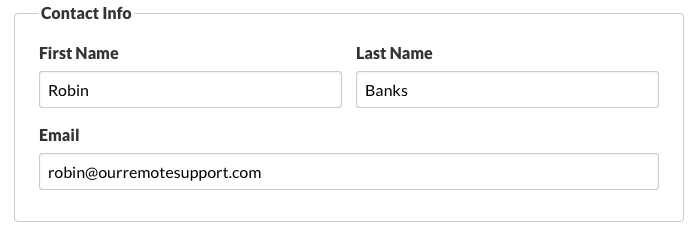
Edit Contact Info (First Name, Last Name and/or Email Address).
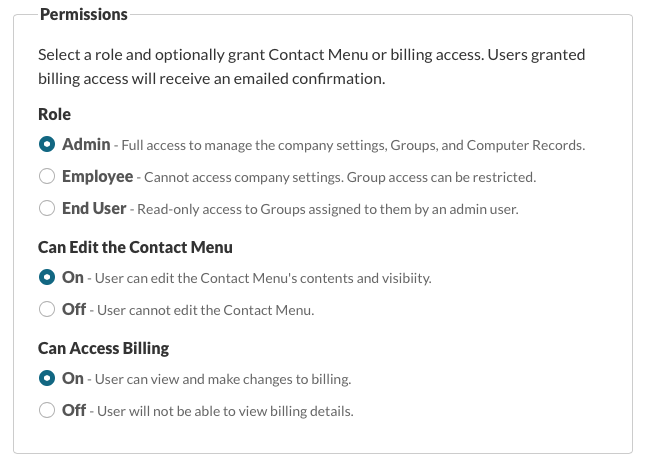
Edit Permissions for the User including Role, Can Edit Contact Menu, and Can Access Billing.
Tip
See User Permissions in the Watchman Monitoring Server Dashboard for more details on User Permission Levels.
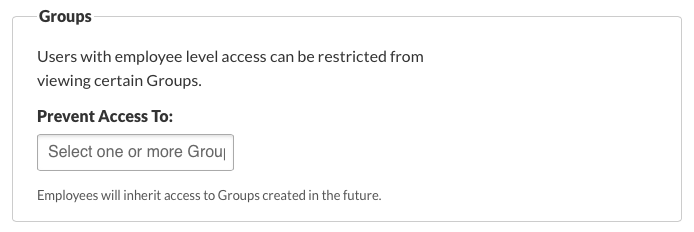
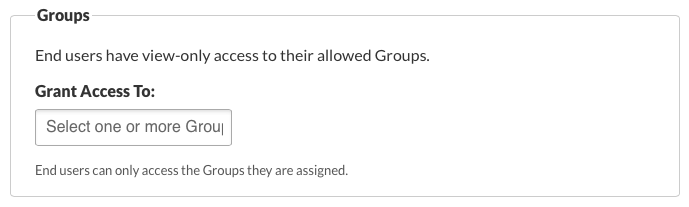
Group Access
Employees
End Users
Update User

Finally, Update the User or Update the User and Send a Password Reset Request to the email specified.