Date and Time Preferences
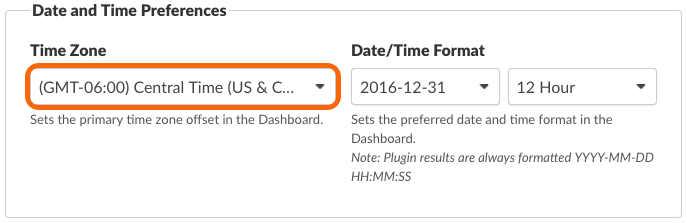
Setting the Time Zone for the Account
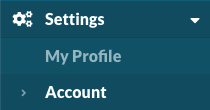
Navigate to Settings > Account. https://app.monitoringclient.com/settings/account
Note
The Time Zone is set for the account at the time of registration.
Tip
Each user will inherit the account’s time zone setting, but can change the time zone for their user account.
Date/Time Format
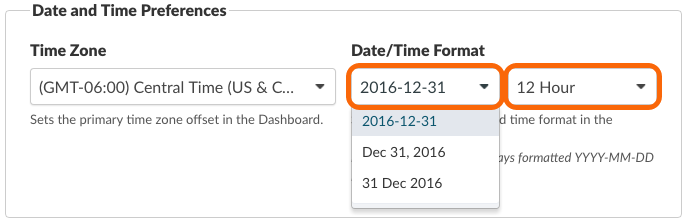
The Date/Time format for display in reports can be adjusted to the following formats:
- YYYY-MM-DD
- MMM DD, YYYY
- DD MMM YYYY
You can choose between a 12 Hour and 24 Hour time format.
Important
The Plugin Result timestamps will always be formated YYYY-MM-DD HH:MM:SS
Permalink: https://watchmanmonitoring.com/date-time-preferences