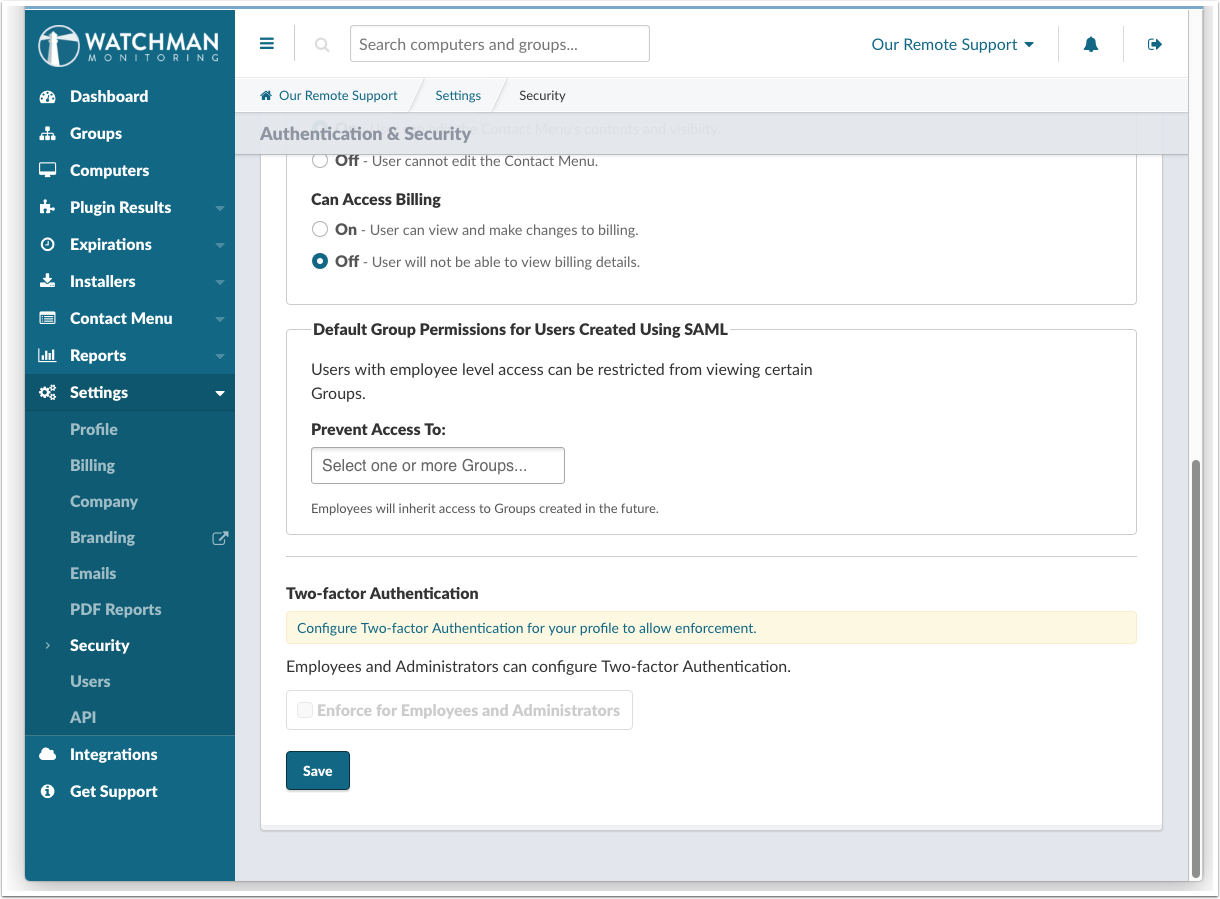
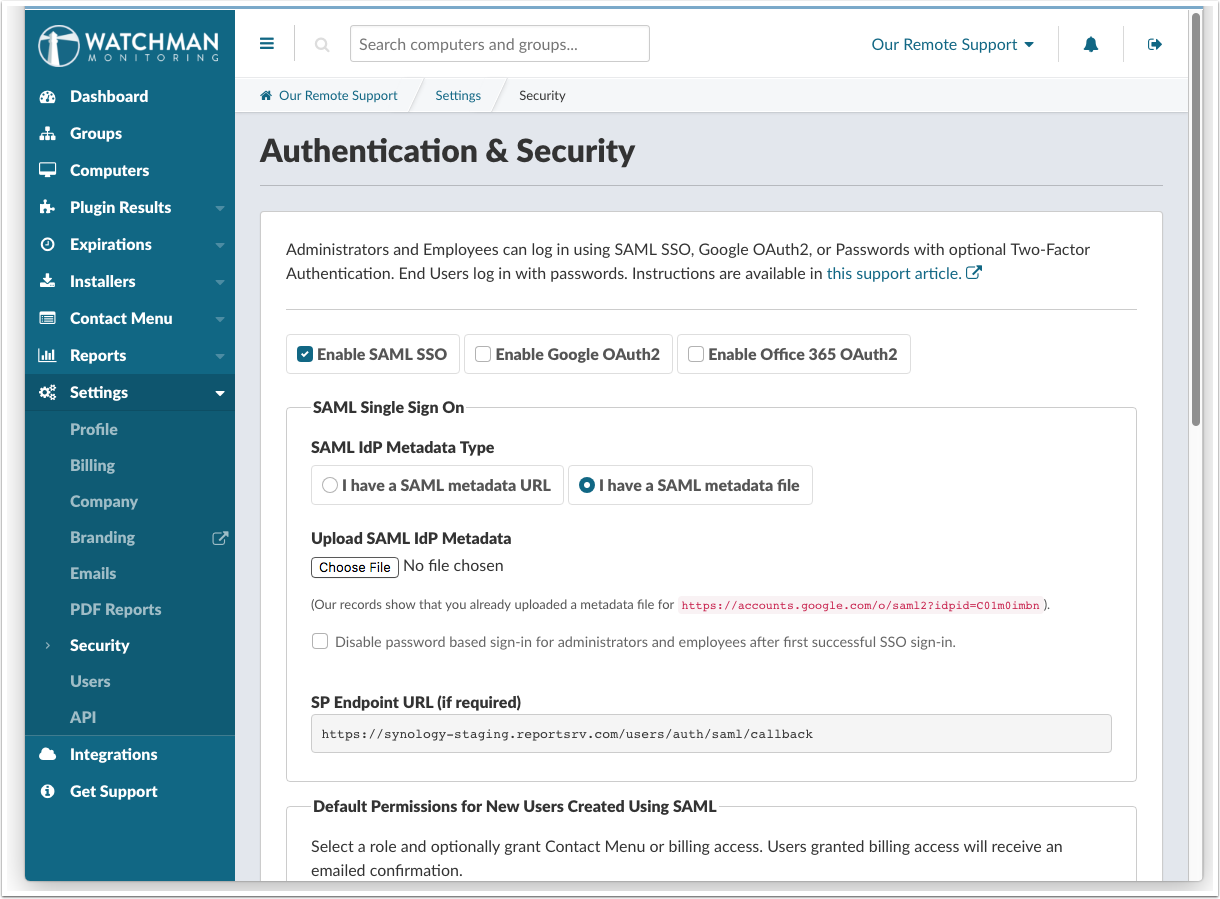
Configuring SSO as a Google SAML App
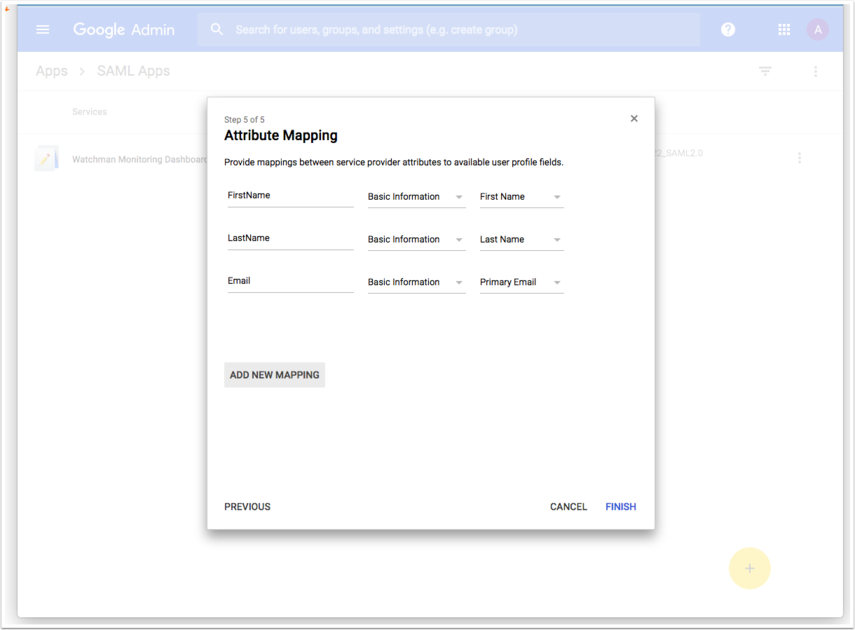
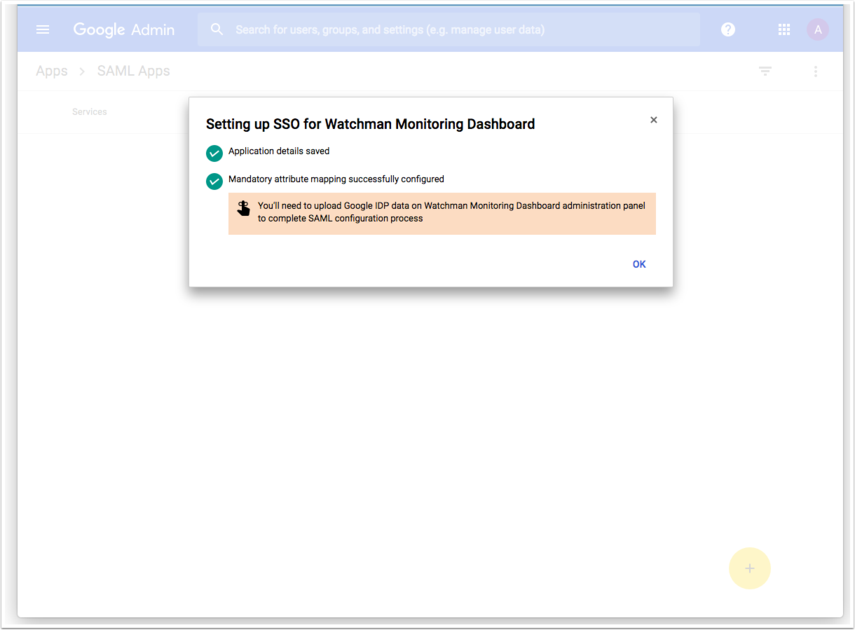
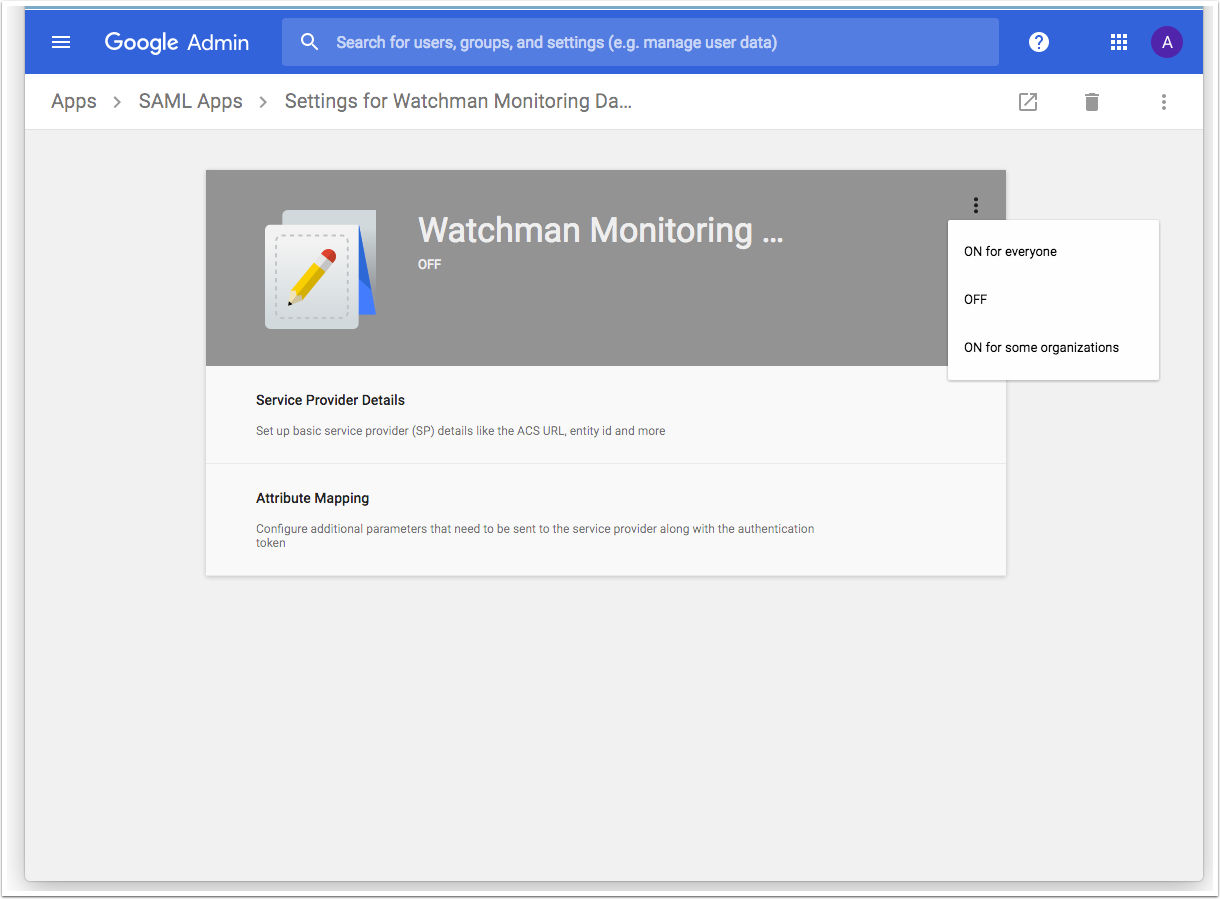
This articles reviews the setup of SAML Authentication to your Dashboard via Google’s SAML App setup. While some organizations require this more advanced setup, setting up authentication via Google Oauth is a more common choice.
Read more about Google Oauth here.
For this setup, we are referencing the instructions posted by google at
https://support.google.com/a/answer/6087519
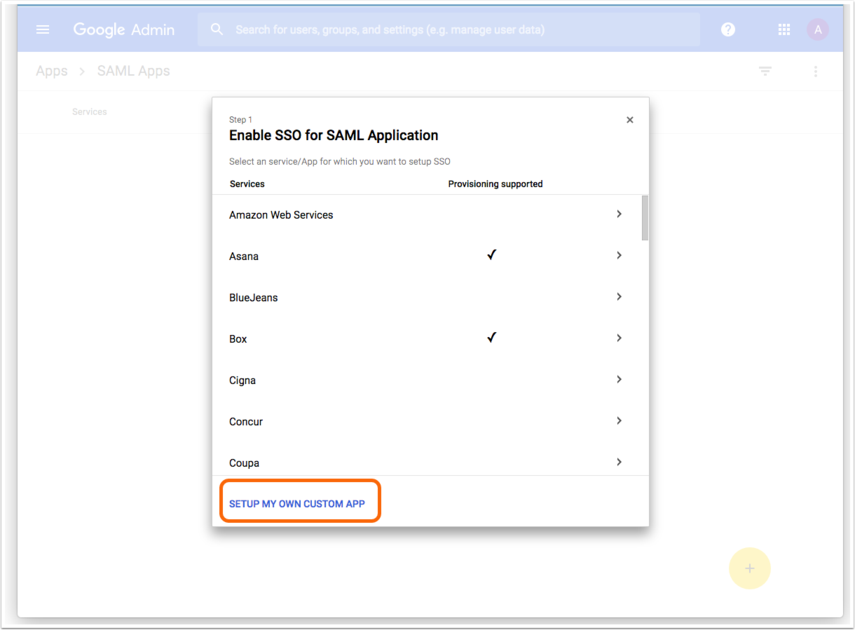
Starting at your SAML Apps: https://admin.google.com/AdminHome?fral=1#AppsList:serviceType=SAML_APPS
When choosing Entity ID/Single Sign On URL vs IDP Metadata file, we’ll need to choose to download the file from Google.
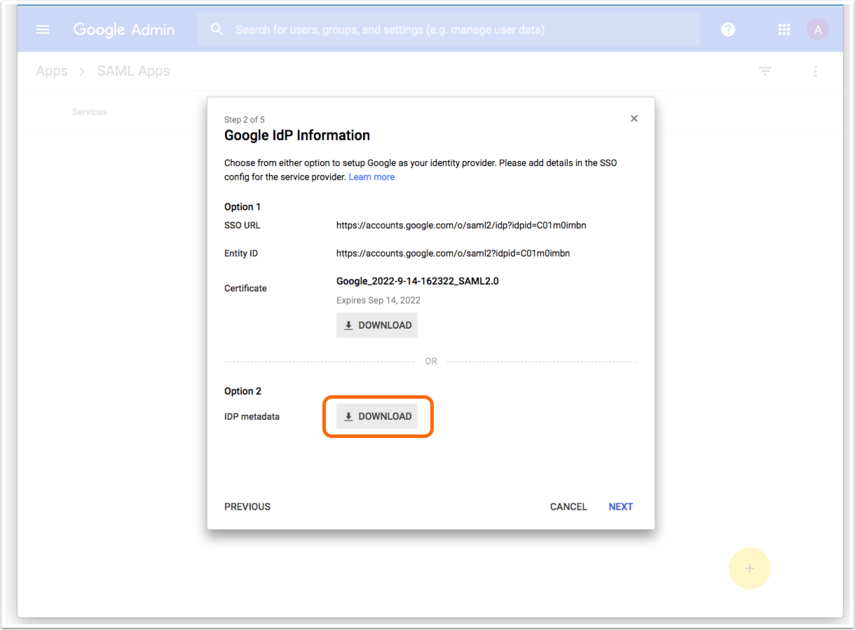
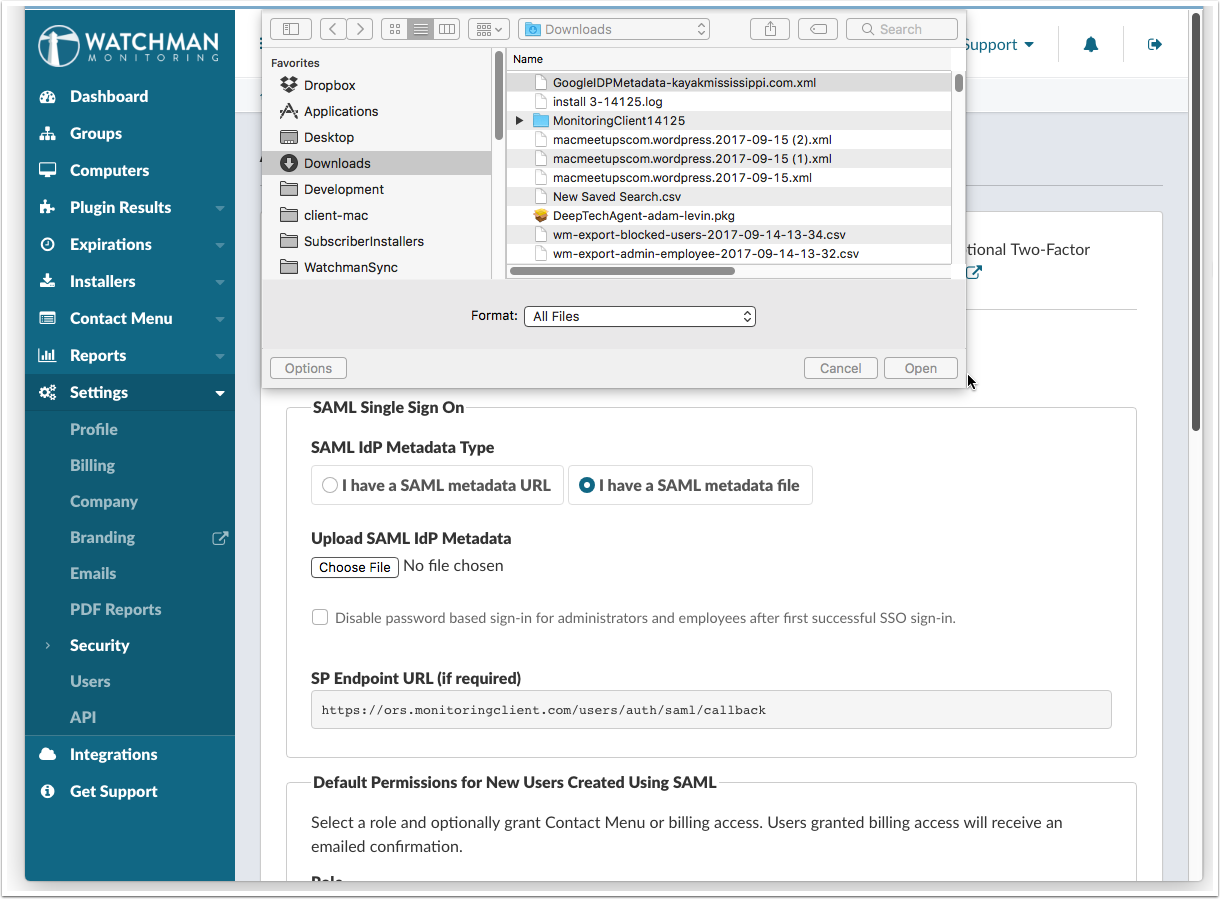
Download the IDP metadata file. It will get uploaded to your Dashboard in a later step.
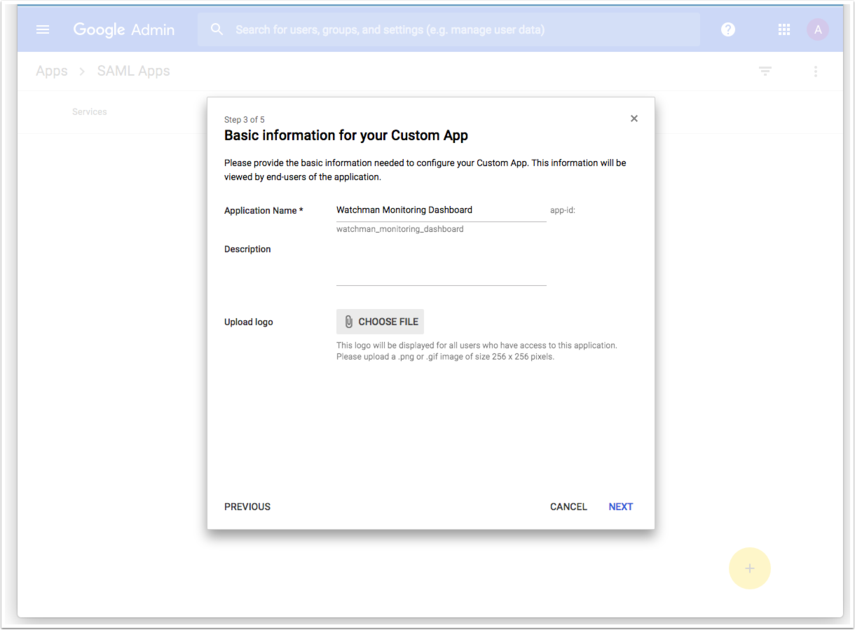
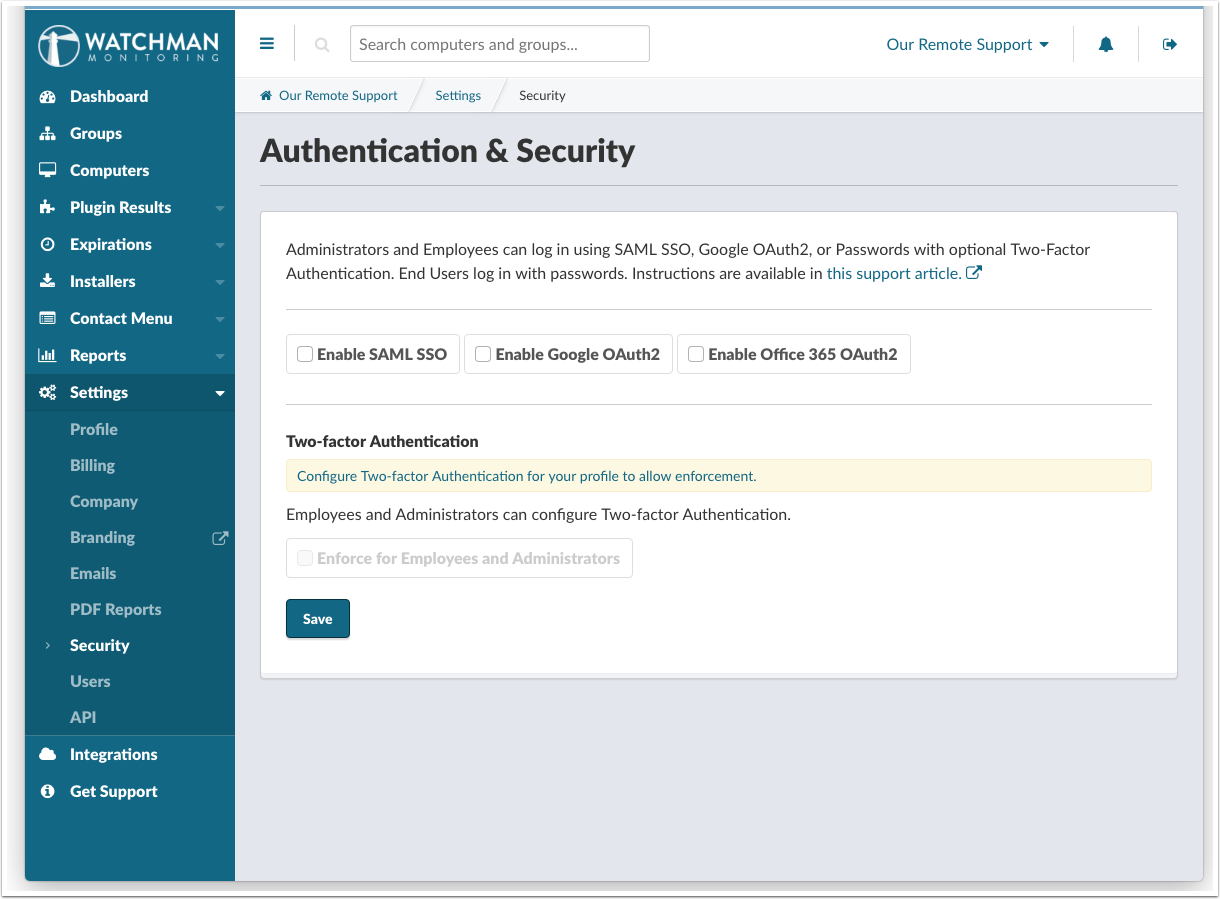
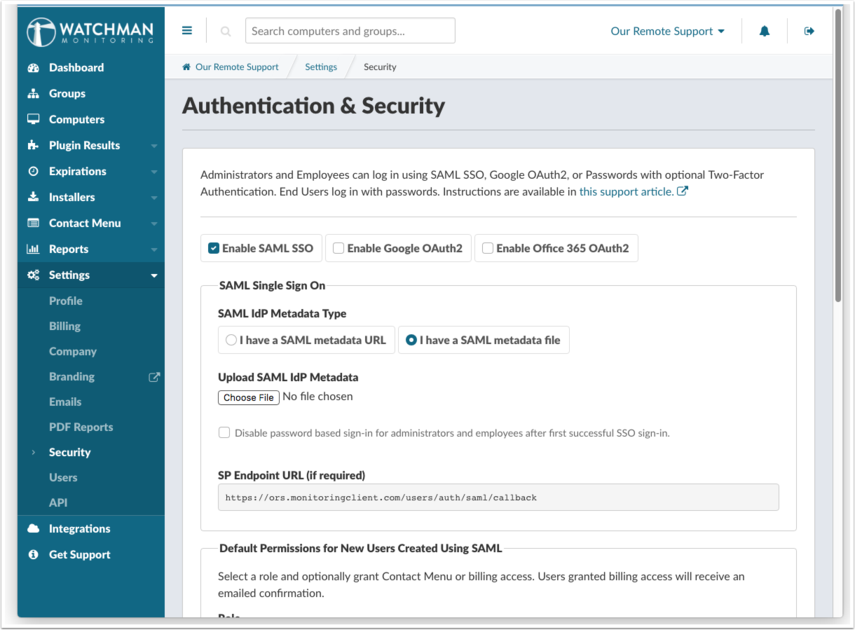
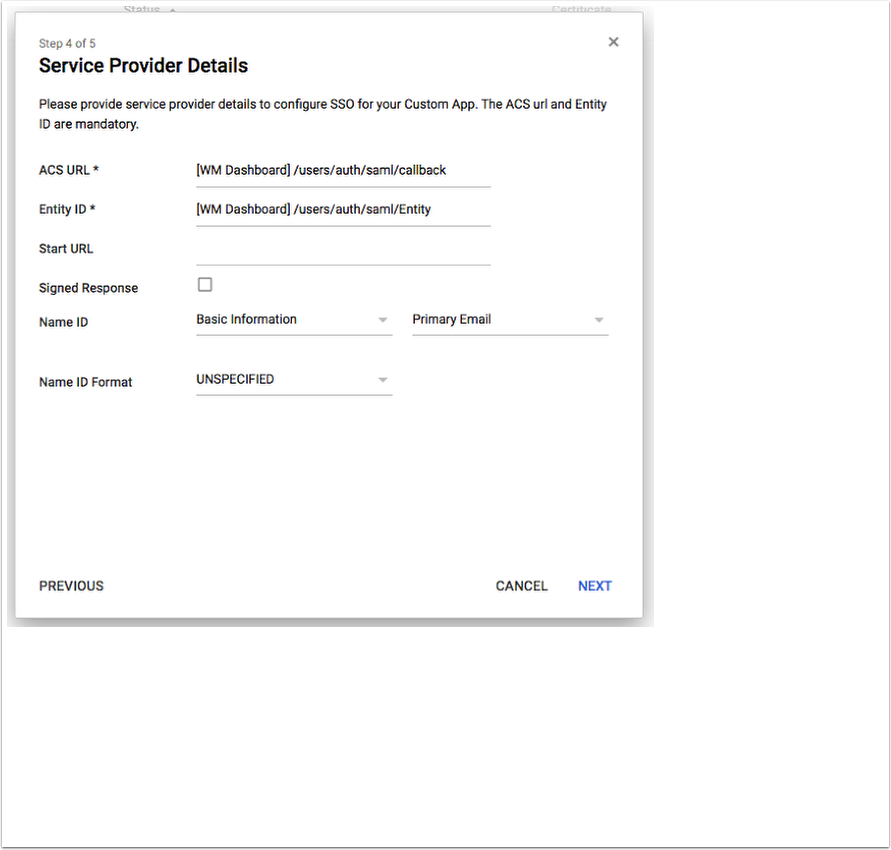
These URLs are found in the Watchman Monitoring Dashboard under: /settings/security